The amount of document versions to be created depends among others on your self defined auto-save time interval. The shorter the time interval, the more versions are created.
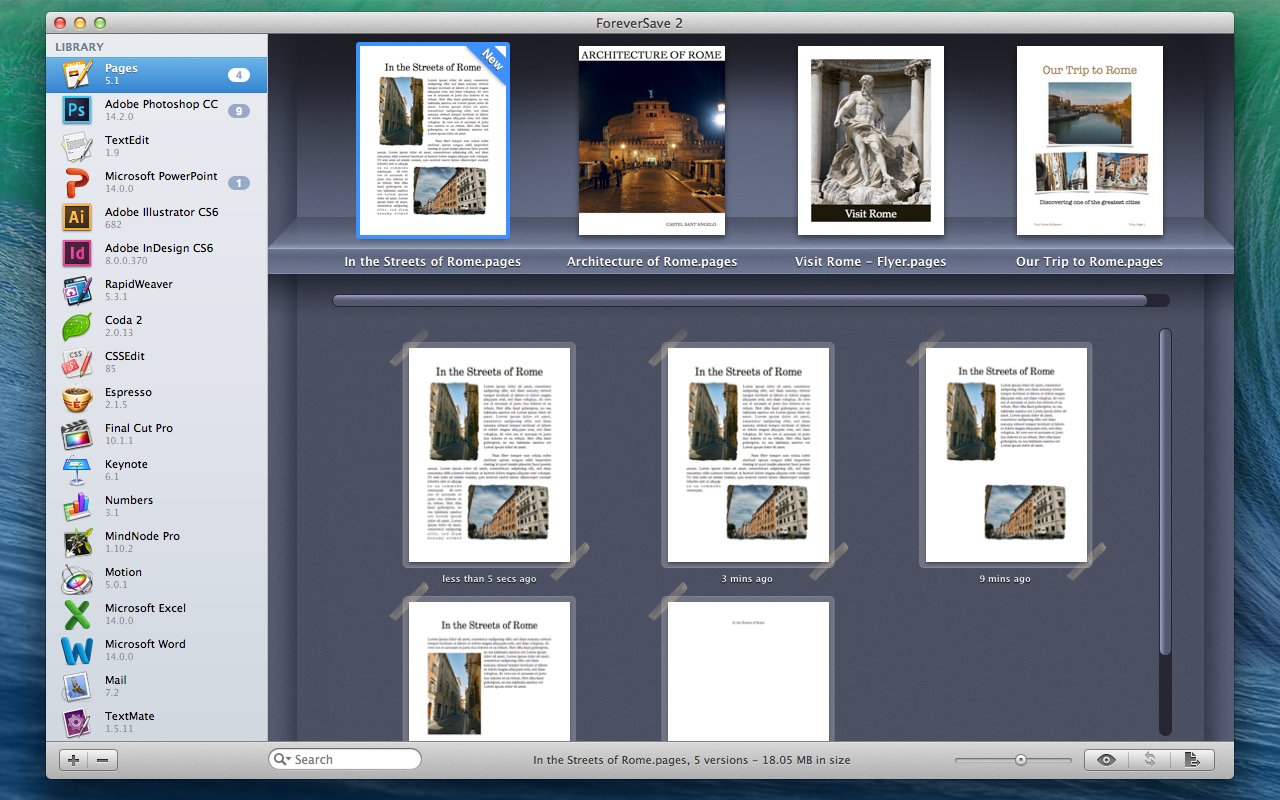
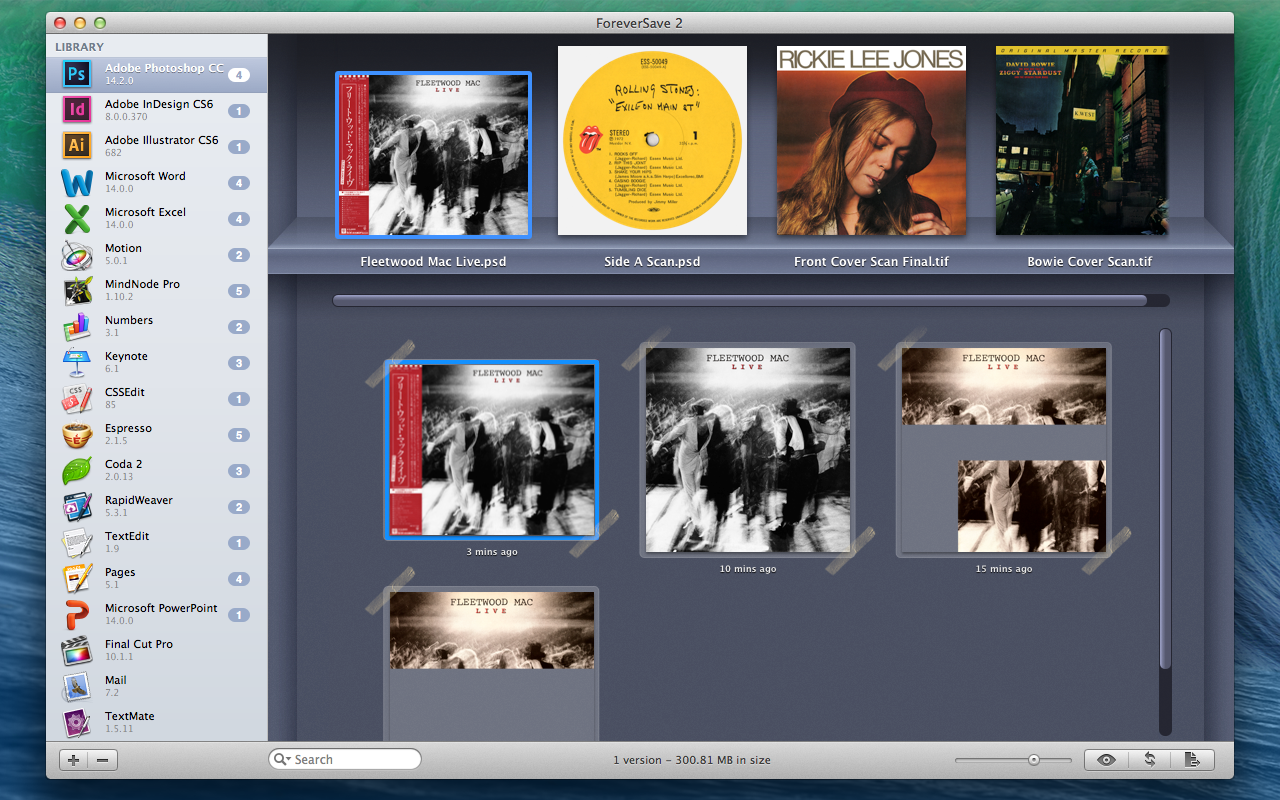
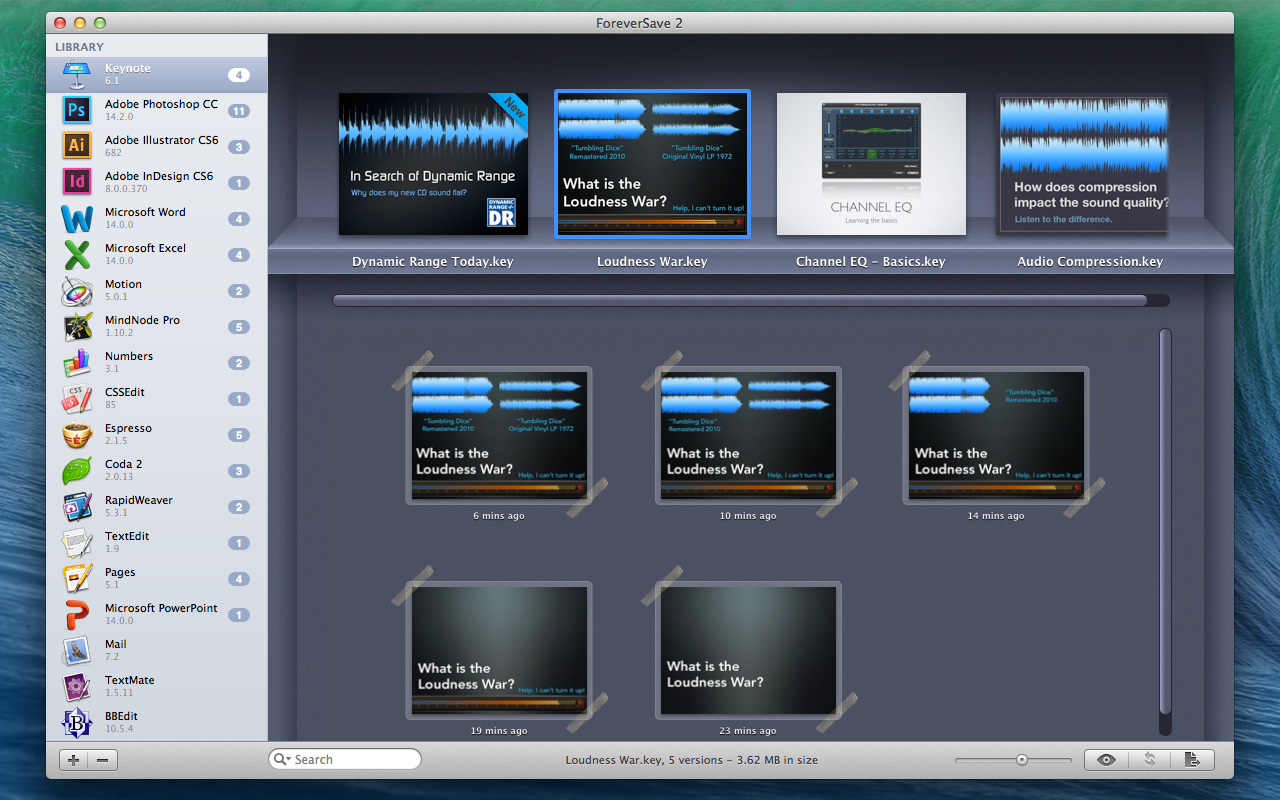
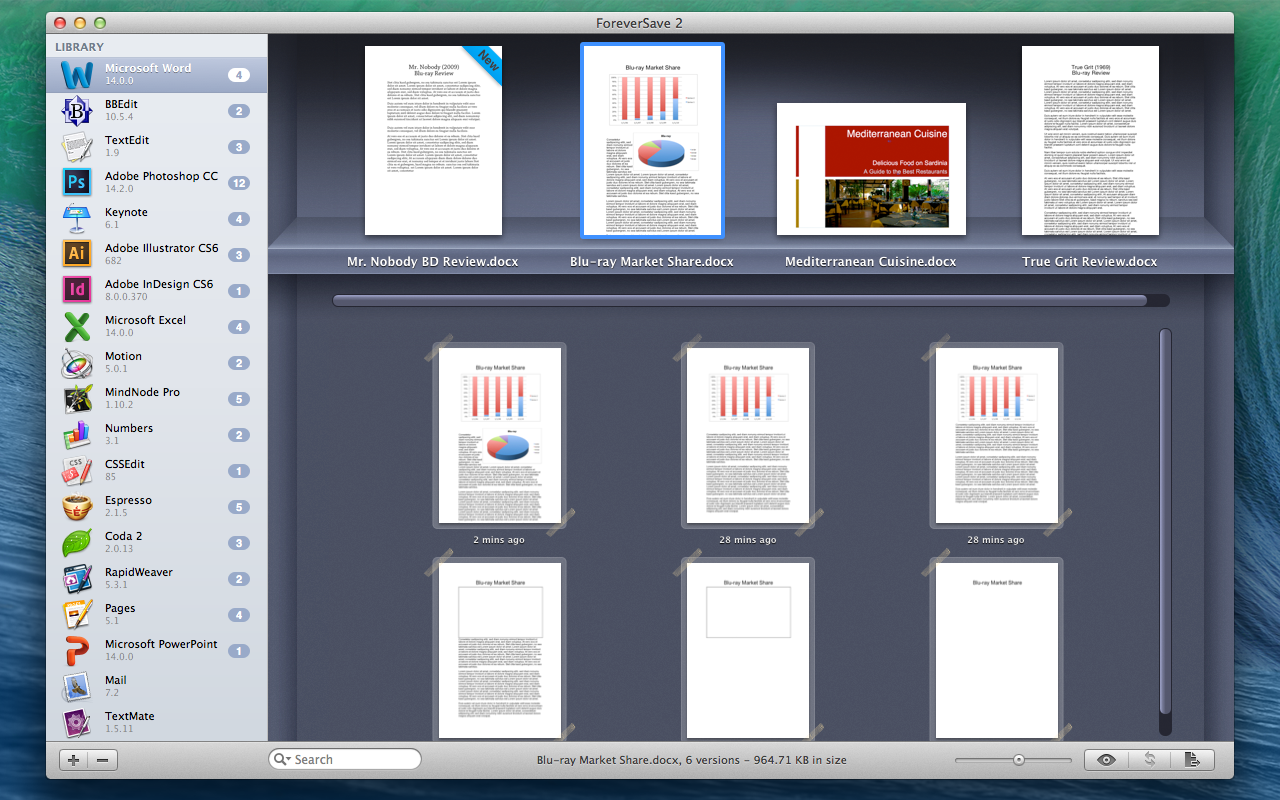
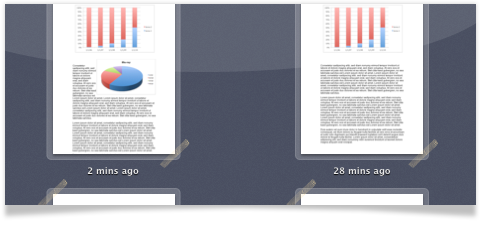
Thanks to the integrated Quick Look feature, it is dead easy to find the correct version. Just hit space bar to view a preview of the document and choose "Restore" to save it to a destination folder of your choice. If you'd like to replace an original faulty document directly with its version backup, just hit "Replace" and ForeverSave 2 moves the original document to the trash while placing a new working version there.
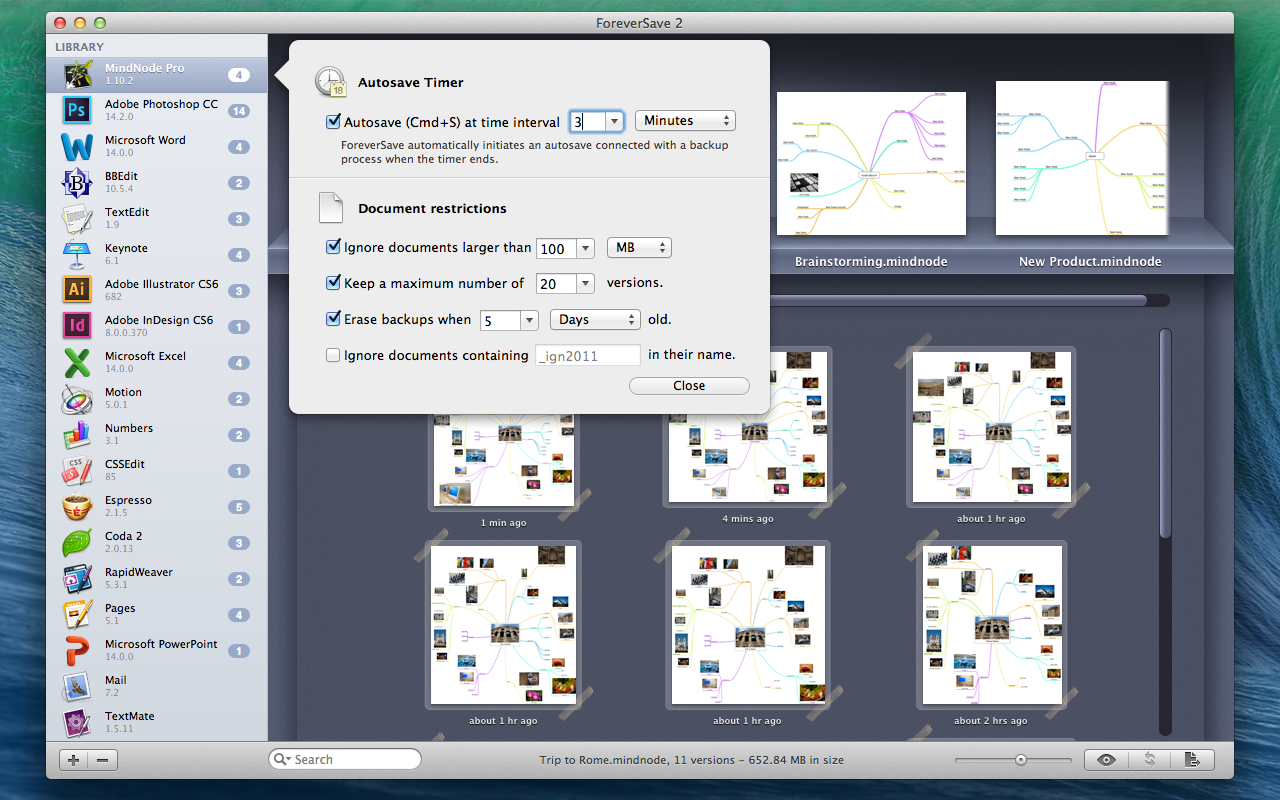
It has always been a nightmare you can't predict, nor prevent: Let's say you've been working on a report, spreadsheet, presentation or illustration for hours and without any notice your document gets lost because of an application crash or unintentional overwriting. But not any more!
For the first time in Mac history, ForeverSave 2 provides a universal auto-save and backup for all your document or project-based applications.
You'll no longer need to take care of manual save commands, instead ForeverSave 2 takes over and saves your work automatically in your defined time interval.
In addition to auto-save, ForeverSave 2 creates versions of the document which allows you to step back in time and restore the exact last working version.
For the first time in Mac history, ForeverSave 2 provides a universal auto-save and backup for all your document or project-based applications.
You'll no longer need to take care of manual save commands, instead ForeverSave 2 takes over and saves your work automatically in your defined time interval.
In addition to auto-save, ForeverSave 2 creates versions of the document which allows you to step back in time and restore the exact last working version.

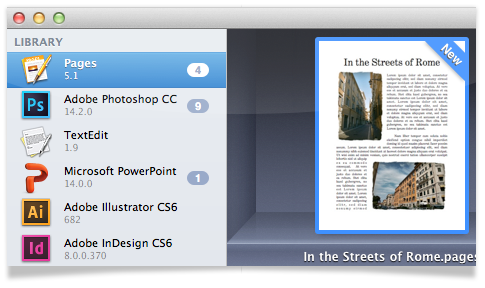

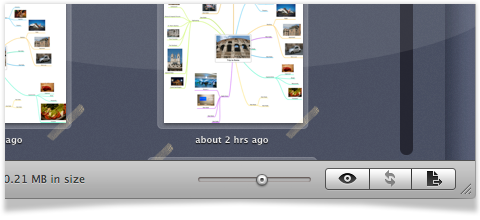

It often happens that applications create documents with very large file sizes. In order to prevent the disk from running out of space, it is essential to limit the amount of backups associated with the used disk space.
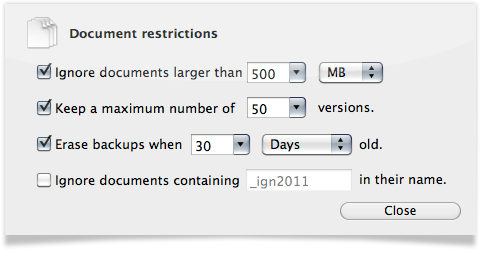
ForeverSave 2 provides several options to restrict the creation of documents. You may set a limit for documents larger than e.g. 250 MB or limit the entire backup creation of a document to a certain number, e.g. keep just 100 versions.
In most cases, keeping backup versions for longer than 7 days is not necessary and takes too much disk space: ForeverSave 2 offers the option to efficiently remove backups older than some days, weeks or months - it is up to you.
ForeverSave 2 provides several options to restrict the creation of documents. You may set a limit for documents larger than e.g. 250 MB or limit the entire backup creation of a document to a certain number, e.g. keep just 100 versions.
In most cases, keeping backup versions for longer than 7 days is not necessary and takes too much disk space: ForeverSave 2 offers the option to efficiently remove backups older than some days, weeks or months - it is up to you.

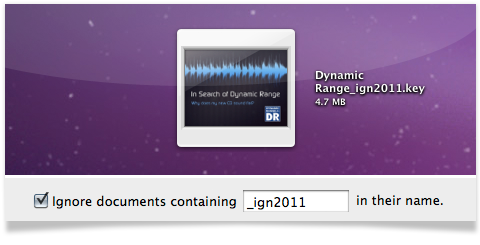
When working with lots of documents, you may have some template or original documents that you'll never save or edit in any way again. They are the base documents for many other creations and they never change after they are complete.
In this case, ForeverSave 2's custom code feature comes in and allows you to disable auto-save and backup creation on certain document names. This custom code - that must be part of the document's name - can be a phrase or word of your choice. Each time you open up a document containing your special code, ForeverSave 2 will exclude the file and never touch it again until you remove the option or change the code name.
In this case, ForeverSave 2's custom code feature comes in and allows you to disable auto-save and backup creation on certain document names. This custom code - that must be part of the document's name - can be a phrase or word of your choice. Each time you open up a document containing your special code, ForeverSave 2 will exclude the file and never touch it again until you remove the option or change the code name.

When using ForeverSave 2 in your everyday life, you'll quickly notice that saving your documents has become a matter of course. Although it is a very comprehensive task, ForeverSave 2 guarantees that no plugins or system extensions are installed while trying to take as few CPU processing power as possible.
ForeverSave 2 was made to work very easy to use for saving you any waste of time with reading of manuals or other help tutorials.
Thanks to a long and intense developing process, ForeverSave 2 is the first auto-save application with a backup versioning on the Mac market.
ForeverSave 2 was made to work very easy to use for saving you any waste of time with reading of manuals or other help tutorials.
Thanks to a long and intense developing process, ForeverSave 2 is the first auto-save application with a backup versioning on the Mac market.
ForeverSave 2 has been completely re-written from the ground up and now features universal auto-save and backup versioning for all document-based applications.
Enjoy an all new user interface that benefits from all advantages of a one-window layout. Adjusting all relevant settings takes only a few seconds. Due to completely new saving methods, previously incompatible applications are now fully supported by ForeverSave 2.
The upgrade is totally free for all previous users of ForeverSave.
Enjoy an all new user interface that benefits from all advantages of a one-window layout. Adjusting all relevant settings takes only a few seconds. Due to completely new saving methods, previously incompatible applications are now fully supported by ForeverSave 2.
The upgrade is totally free for all previous users of ForeverSave.


Since Apple introduced auto save and versions in Mac OS 10.7 Lion, the question to be answered is obvious: Is ForeverSave 2 better than OS X's built-in auto save/versions? Yes, it is and the following top three reasons show you why.
- Because applications have to implement the required OS X auto save APIs before they are ready to work with the system. OS X Mavericks is still not supporting a large variety of applications. Even big players like Microsoft Office 2011 and Adobe Creative Suite CS6 / Creative Cloud are still incompatible with OS X's auto save, whereas ForeverSave 2 is working perfectly with all of them.
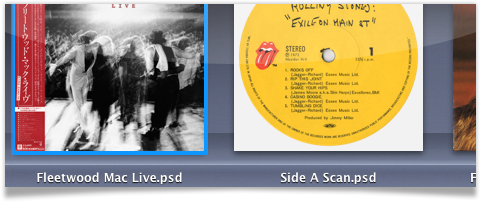
- To view and restore versions of your documents in OS X Versions, you need to have the file open in the application first. What if there is no restore button because the file itself can no longer be opened because it was accidentally deleted or overwritten? ForeverSave 2 does its job where Mac OS X keeps failing.
- OS X lets you view versions of just one document at once. There is no way to browse through version histories of different documents of different applications. In contrast to ForeverSave 2, OS X's auto save and version features aren't any helpful when working on several projects at once.